
Remove Background Noise From Video (Free AI Tool) -Adobe Podcaster
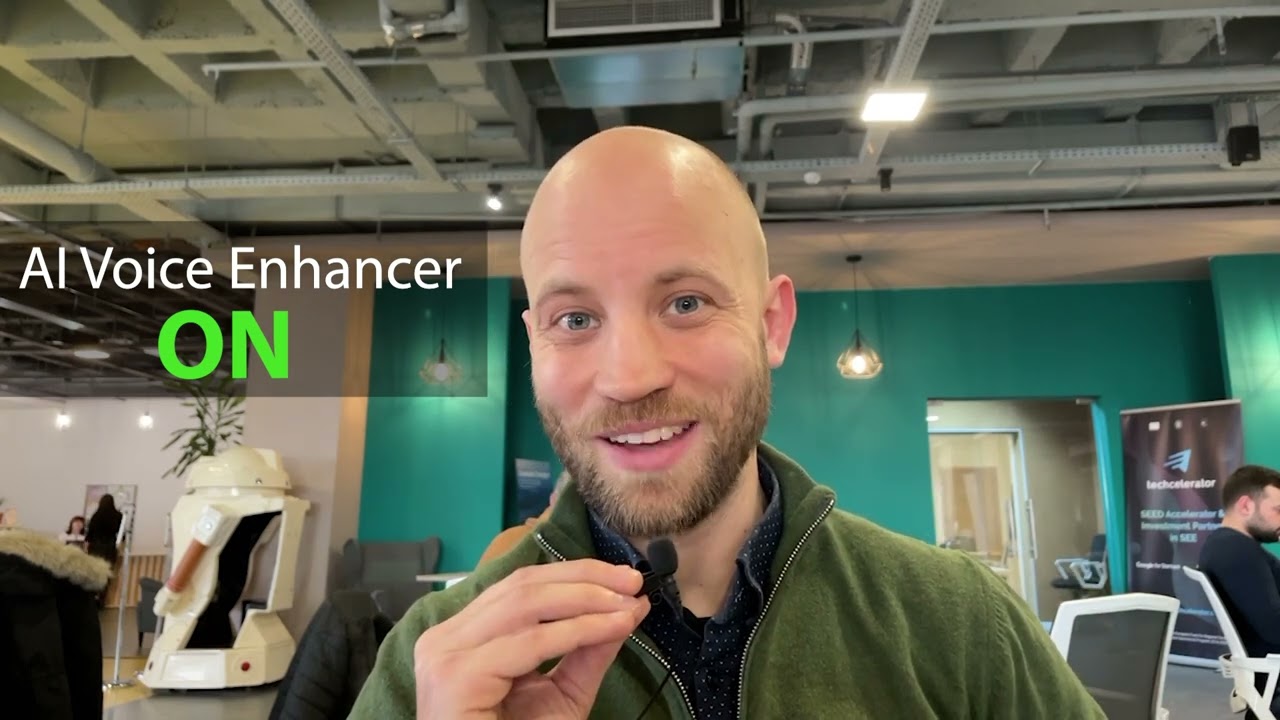
Do you want to enhance your videos especially your audio recordings? I got your back! Because we are offering you a guideline on how to use AI tools to enhance your audio recordings to make them more audible and clearer using Adobe Podcast.
- The first thing you need to do is to export the voice.

- Now, to export the video click “Export” at the upper left and deselect the “Video”.

- Click on “Format” and export it as “MP3” or “Waveform Audio".

- Then click on “Export” at the lower right.

- Go to “podcast.adobe.com/enhance”.

- Upload the audio of the video.

- Click “Download".

- Drop it below the first voice-over and make sure the two voice-overs are in sync.

- To unlink the first audio, right click it and the select “Unlink” and the delete it.
You can now record videos without worrying about background noises! Don’t forget to watch the full video below by Szilard from bluefx.net
Also from BlueFx
Three ways we help you make more.
Templates are step one. When you want it done for you, we have you covered.

Twelve AI apps for video creators
Finds ad campaigns that are already making money. Rebuilds them for your product. Try the full platform for $1.
Start for $1 →
We make the videos that bring you clients
Custom video content built for your business. Our clients have generated 220,000+ leads with the videos we produce.
Learn more →
A professional website, built for you in 3 days
We design, write, and launch a complete business site for you. Free. No setup fee. You only pay the small monthly hosting.
Learn more ↗